
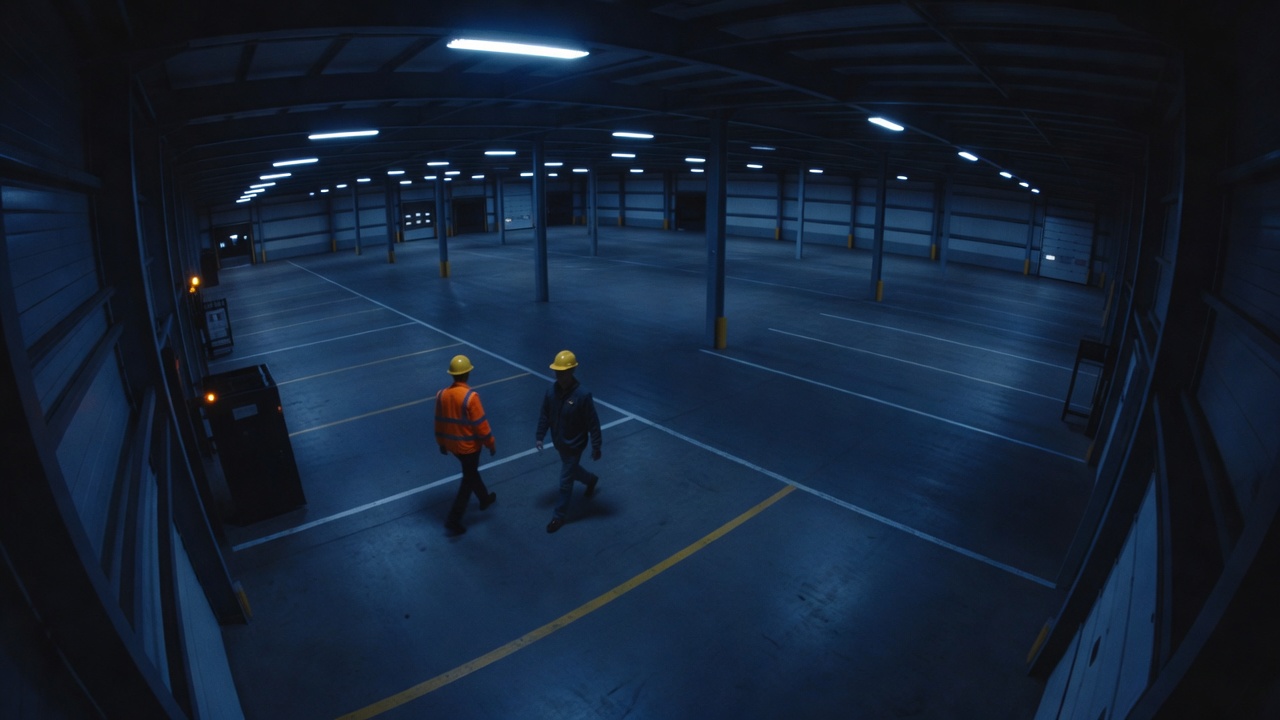
 01 · WAREHOUSE AND LOGISTICS
Warehouse and logistics
Check hard hats and high-visibility vests at the loading bay, and keep an evidence image when something is missed.
- PPE
- Evidence images
Devices
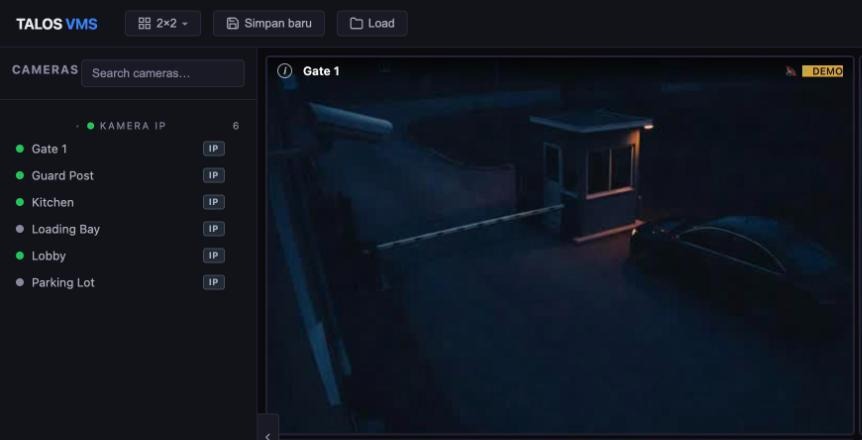
Talos is the console on top of your installed estate. It does not replace your recorder, and it does not need a new camera brand.
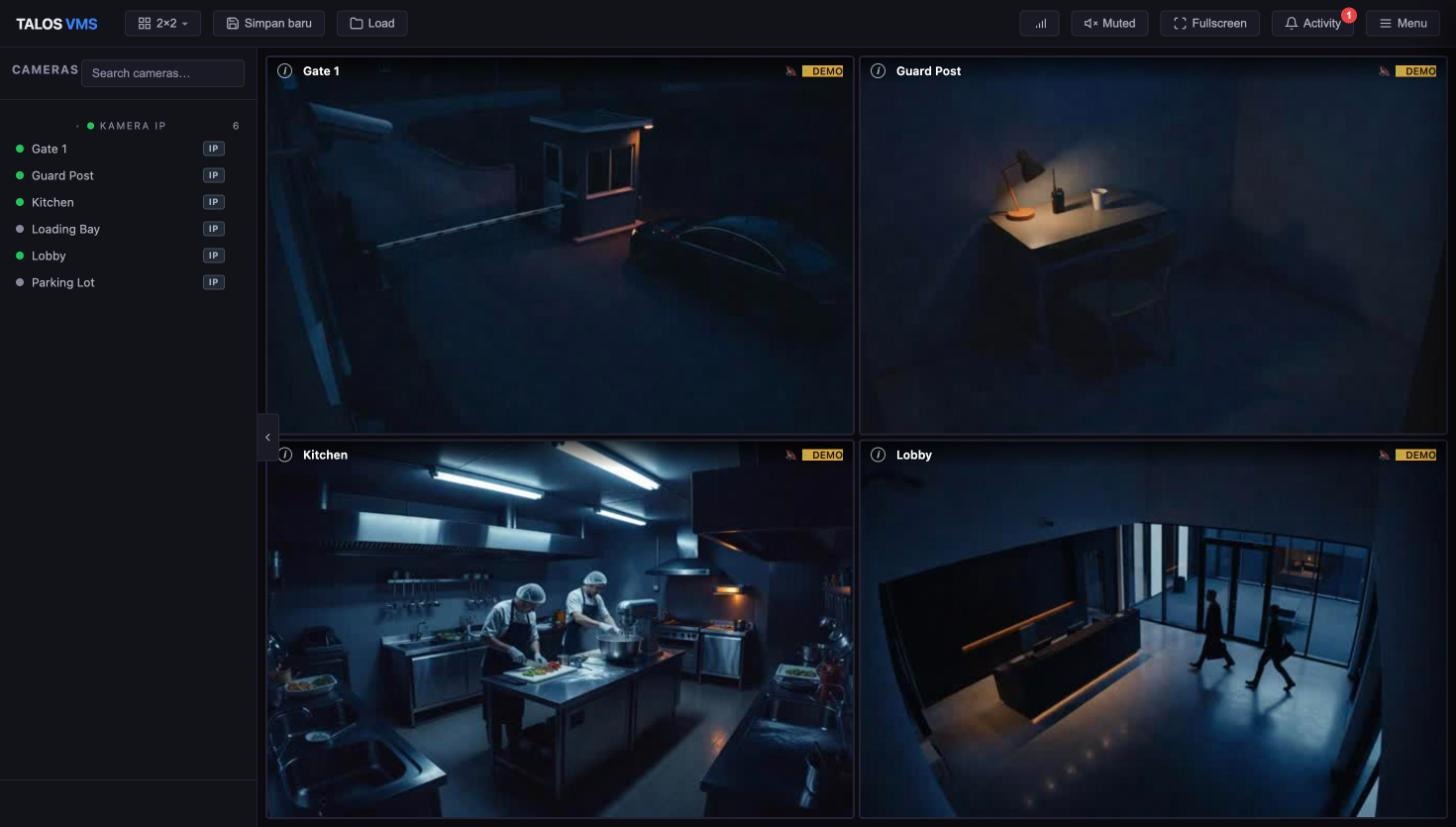
Works with
Hikvision, Dahua, Uniview, Axis and other IP cameras and recorders. How much Talos can do depends on the model and firmware, so share your list and we will tell you what to expect.
 Hikvision
 Dahua
Dahua Uniview
 Axis
AxisBrand names and logos belong to their owners. They are shown only to say these devices work with Talos, and do not imply endorsement or partnership.
What you can do
Support varies by device and firmware, so treat this as a guide, not a promise.
| Hikvision cameras and recorders | Other major brands | Basic IP cameras | |
|---|---|---|---|
| Live view | ✓Yes | ✓Yes | ✓Yes |
| Playback from recorder or SD card | ✓Yes | ◐Where supported | –Not available |
| PTZ control | ✓Yes | ◐Where the device supports it | –Not available |
| Detection settings on the camera | ✓Yes | ◐Where the device supports it | –Not available |
| Import channels from an NVR or DVR | ✓Yes | ◐Where the recorder supports it | –Not available |
A basic camera is shown as live view only. We do not mark it as unsupported.
Use cases
Illustrative images generated with AI.
01 · WAREHOUSE AND LOGISTICSCheck hard hats and high-visibility vests at the loading bay, and keep an evidence image when something is missed.
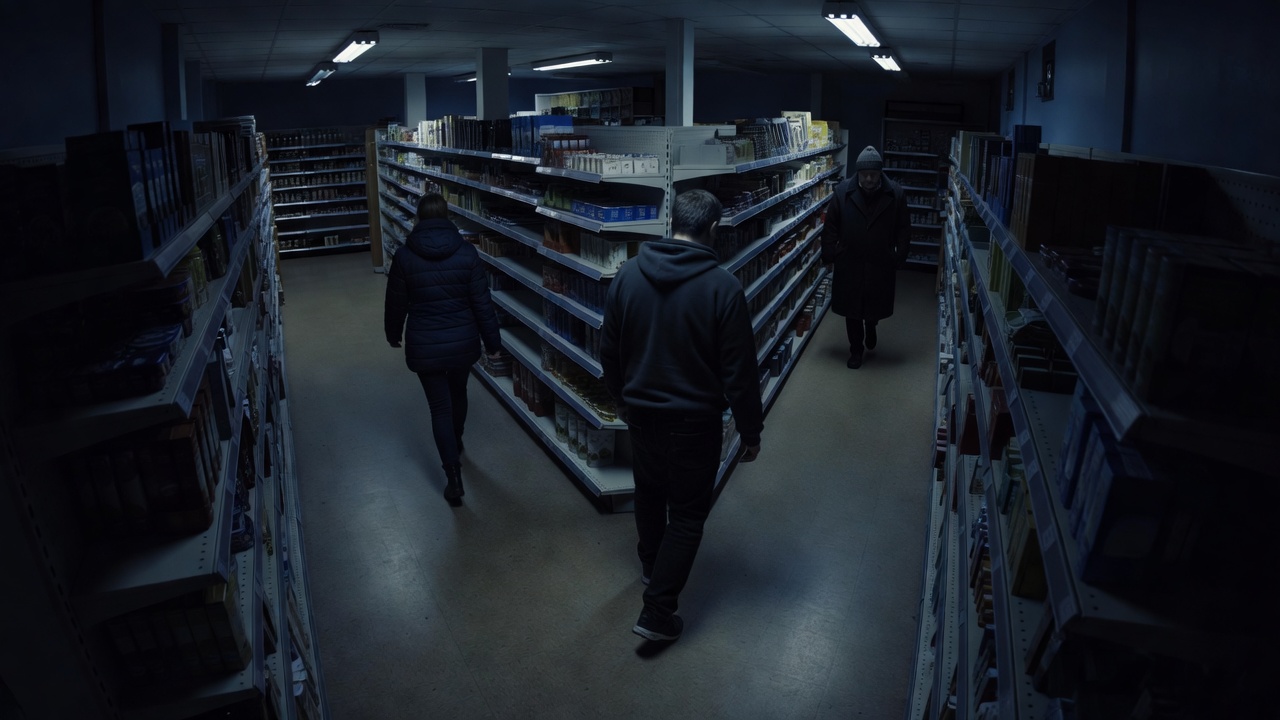 02 · RETAIL
Count people crossing a line at the entrance, from the cameras you already have.
 03 · OFFICES AND BUILDINGS
Recognise enrolled people at the entrance and review who came and went from one console.
 04 · MIXED CAMERA ESTATES
Bring cameras from different brands and recorders into one grid, without a separate app for each.
Daily tasks
Your recorder
Talos sits on top of what you have. There is nothing to replace and no footage to move.
Not supported today
Better to know before a demo than after.
Next step
Share the brands and models on site and we will tell you what to expect before the demo.
Request a demo