
Video management system
Every camera.
One watch.
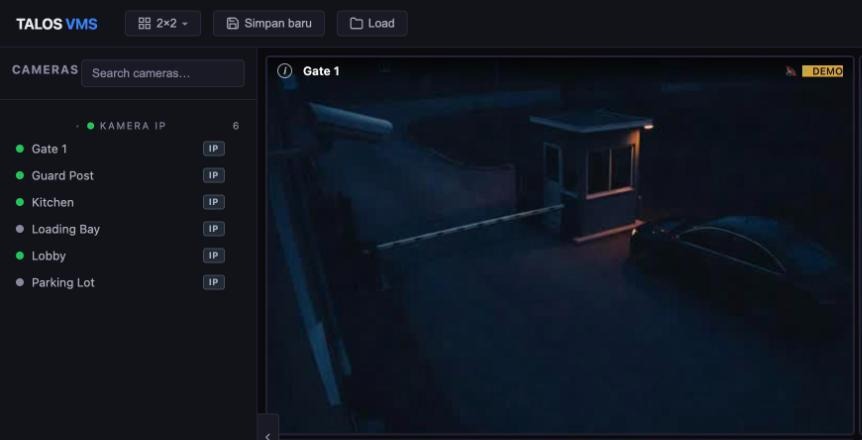
Talos vms brings live view, playback and on-site analytics into one operator console, on the cameras and recorders you already have.
Works with Hikvision, Dahua, Uniview, Axis and other IP cameras
The problem
A safety question becomes a search across systems.
Someone asks whether a procedure was followed. The answer is on a camera, behind a recorder, at a moment nobody has found yet.
Find the camera
Which one covered that area?
Open the recorder
A different login, a different screen.
Locate the moment
Scrub the timeline until it appears.
Capture the evidence
Export it, then write it up.
One console
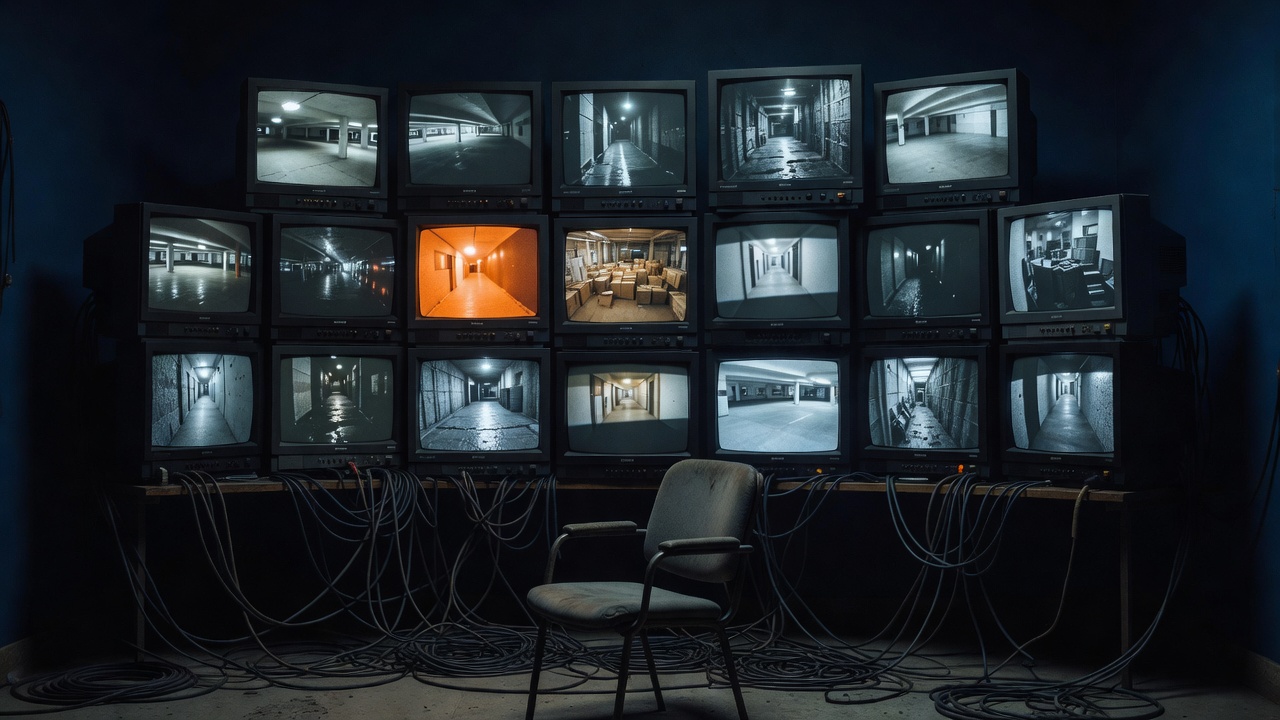
Talos puts that path in one place.
Open the camera, move to the time, review the footage and save the clip without changing systems.
Your cameras. Your recorder. Your site.
Talos adds one console on top, and leaves the rest where it is.
The console
Watch, investigate and control from one screen.
Everything an operator does in a shift, in one place.
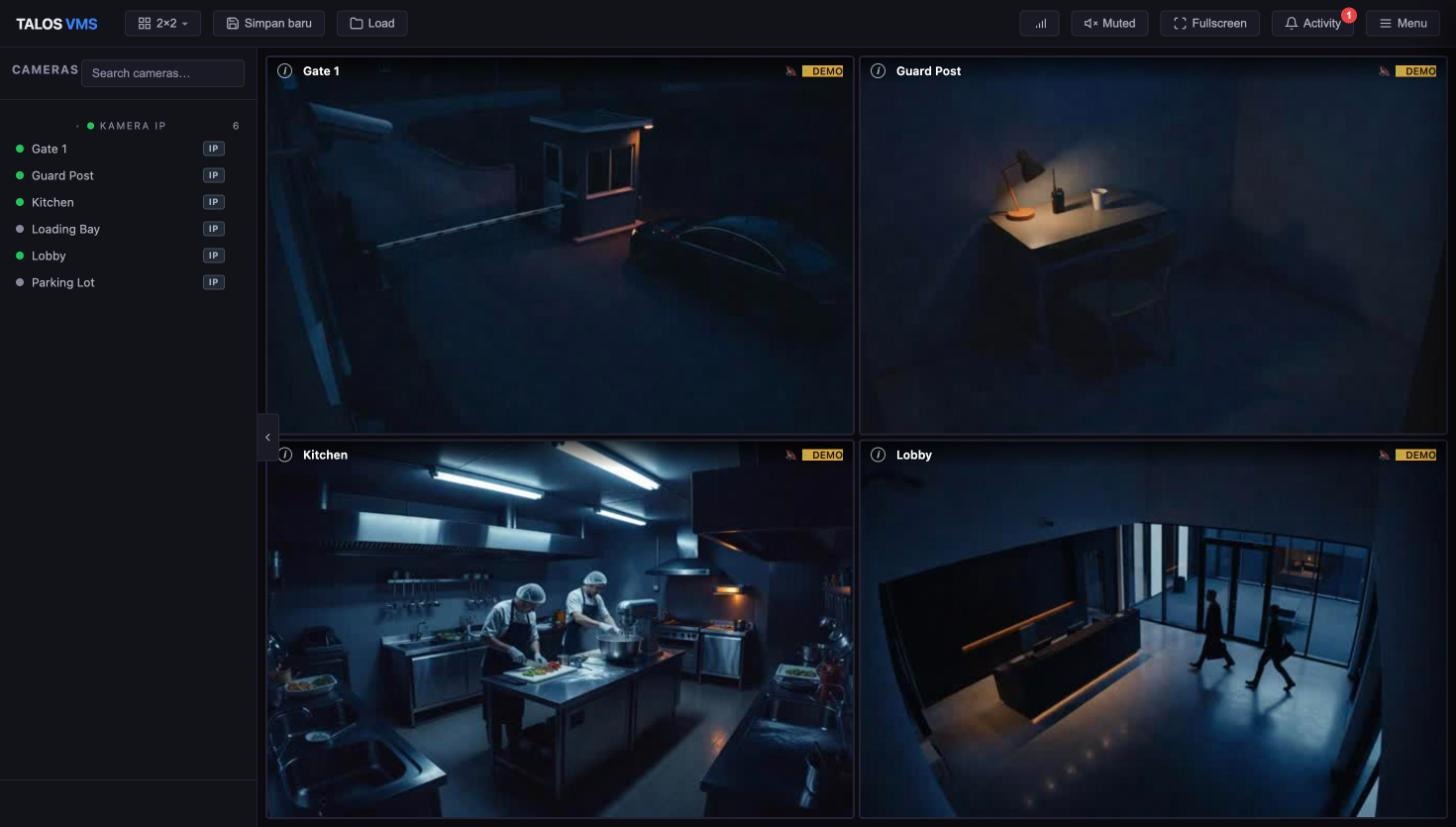
- 1Camera listSearch, then click or drag a camera into a tile.
- 2LayoutsSwitch grid sizes, save an arrangement and load it later.
- 3Live tilesVideo with the camera name on each tile.
Works with what you have
Use the cameras and recorders already on site.
Talos is the console on top of your installed estate. It does not replace your recorder.
Cameras
Bring in the IP cameras you already own. No new camera brand needed.
- Add by address
- Network scan
- Hikvision and other brands
Recorders
Scan an NVR or DVR, import its channels and review what it recorded.
- NVR / DVR channel import
- Playback from the recorder
- Camera SD card playback
Users and evidence
Give each user the access their job needs, and keep the evidence they produce.
- Role-based permissions
- Printable evidence reports
- Clips you can download
Plain language
When something is wrong, it says what, where and when.
Each message names the camera, the time and what to check next, so an operator can act without guessing.
Example messages
Watch
Twenty seconds on what an operator sees.
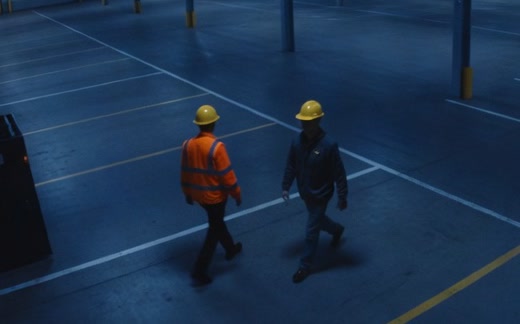
A short tour of the Talos vms console. The console shows demo feeds, and the photos are illustrative images generated with AI.
Video description
No narration or sound. Five short steps. One console for your cameras: the Talos vms console with a camera list and live tiles, using demo feeds. Watch live: the camera list, layouts and live tiles are pointed out, and a camera is dragged into a tile. Analytics mark what matters: on an AI-generated warehouse image, one person is boxed as wearing a high-visibility vest and another as not, and a result panel lists the checks in words. Find the moment: a playhead moves along a playback timeline and a clip is saved. Keep the evidence: a printable evidence report with the saved image. It ends on the Talos vms logo and the line “Every camera. One watch.”
On-site analytics
Detections that mean something.
Analytics are designed to run on a server at your site and draw their results over live video. Reviews save evidence images into printable reports.
- 01
People detection
Know when a person is in view.
- 02
Face recognition
Match against faces you have enrolled.
- 03
PPE checks
Check for protective equipment in the frame.
- 04
People counting
Count people through an area.
Accuracy depends on camera placement, lighting and distance. See how to evaluate it on your own footage.
Questions
Straight answers.
The ones buyers ask first are open.
How accurate are the detections?
It depends on camera placement, lighting, distance and what is in view. We do not quote a single accuracy figure. Test on your own footage before relying on a result.
Where do the analytics run?
They are designed to run on a server at your site. Your hardware, camera angles and lighting affect what you can expect.
Does Talos replace my NVR or DVR?
No. Playback commonly uses recordings stored on your NVR, DVR or camera. Talos is the console you use to watch and review them.
Which cameras does it work with?
Hikvision, Dahua, Uniview, Axis and other major IP camera brands. How much Talos can do depends on the model and firmware, so share your model list and we will check it with you.
How do I get started?
Request a demo and tell us which cameras and recorders you have. We will show you the console with your kind of setup in mind.
Never blinks
See your own cameras in Talos.
Tell us what you have on site. We will show you what one console looks like for it.
Request a demo